The Flood client is the only client that offers its own authentication system. This means you can create multiple user accounts on it. This can be useful if you want to give someone else access to your seedbox, or if our technical support team needs to work on it.
To create a second account, the procedure is very simple: just head to the Flood client settings:
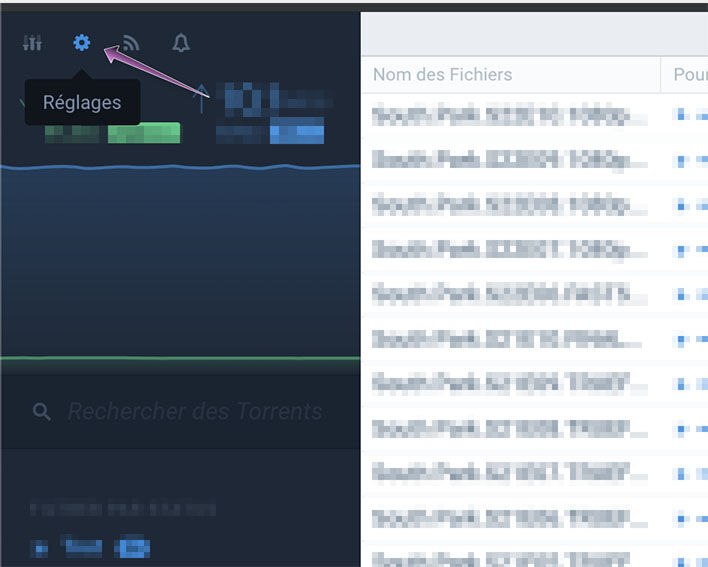
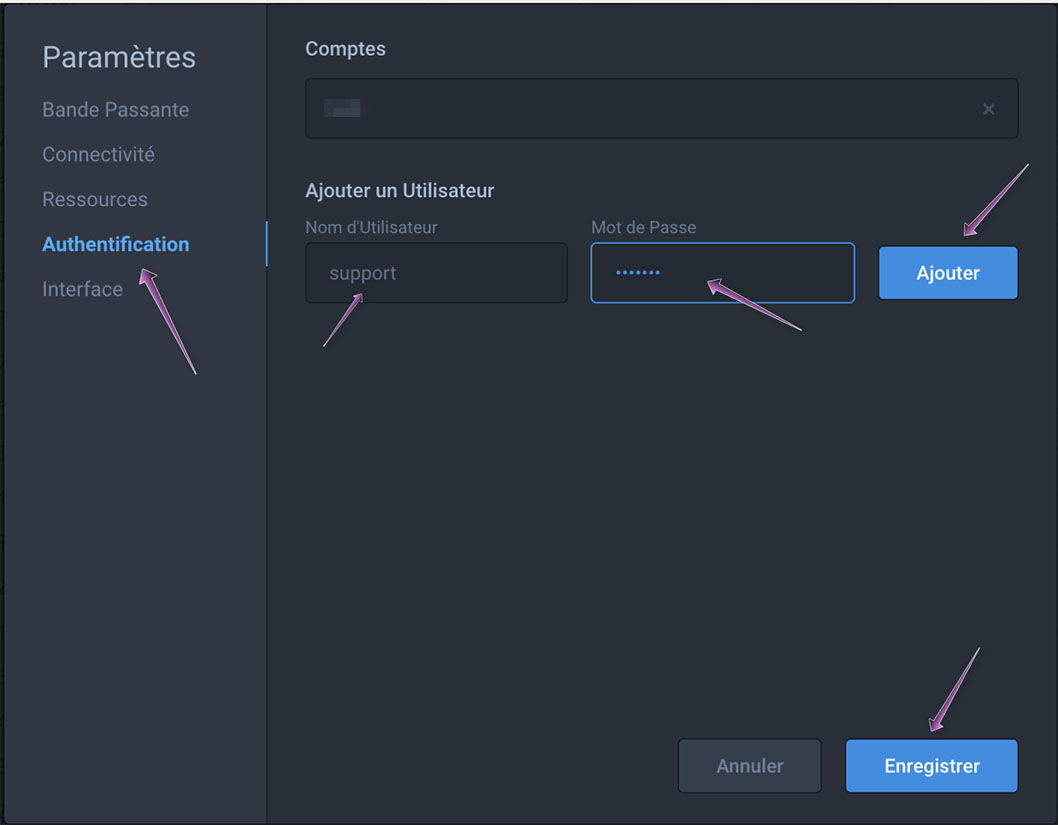
Once the settings panel is open, simply go to the "Authentication" section and fill in the "Username" and "Password" fields with the information you want to use for the new account. All that's left is to click "Add", and your account will be created.